![muso-logo-rgb.png]](https://supporthub.muso.com/hs-fs/hubfs/muso-logo-rgb.png?height=40&name=muso-logo-rgb.png)
Overview
All customers of MUSO Discover can conveniently download reports in PDF format. This functionality streamlines your workflow, making it easy to share, review, and archive insights offline.
How to Download a Report as PDF
- Navigate to the report you wish to download.
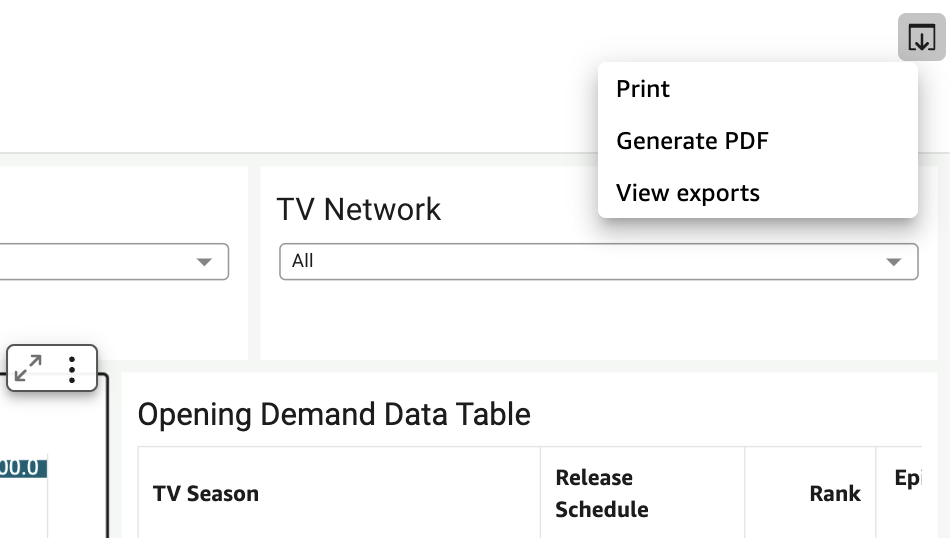
- Locate the Export icon in the top-right corner of the report.
- Click the icon and select Generate PDF from the dropdown menu.
Start using this feature today to keep your insights accessible anytime, anywhere!